We have some rather unusual news to share: Crossref fees are going down again. At its meeting in Paris earlier this month, the Crossref Board approved two further recommendations from the Resourcing Crossref for Future Sustainability (RCFS) project: effective 1st January 2027, we will reduce the majority of Content Registration fees for all 25,000 members, and remove fees for back-year records altogether.
Content Registration fees haven’t increased in around 20 years, and this is the first significant change to them in that time—downwards. Since these fees account for the largest share of Crossref’s revenue (around 60%), and since every member registers DOI records, these changes reach further than anything we’ve announced under the RCFS project so far.
The infrastructure that registers and distributes Crossref metadata has been running and growing for more than two decades. It now does considerably more than it was built to do, and it shows: two large, tightly coupled monoliths (Content System and REST API), where a change in one place risks breaking something in another.
In December 2026, we plan to publish new Crossref Member Practices which will set out the standards we expect all Crossref members to meet. From August to October 2026 we are consulting with our members on a draft of these Member Practices. This blog provides the background to this, and explains how you can share your views.
The Crossref community in India is as diverse as the region that it represents, comprising 1605 members, 11 sponsoring organisations, and 5 ambassadors, who between them cover the length and breadth of this country. Between November 2025 and March 2026, we organised three webinars focused on supporting this community with best metadata and publishing practices. We collaborated with the Directory of Open Access Journals (DOAJ) and the Committee on Publication Ethics (COPE) to embed understanding of metadata’s role in the greater context of publishing integrity.
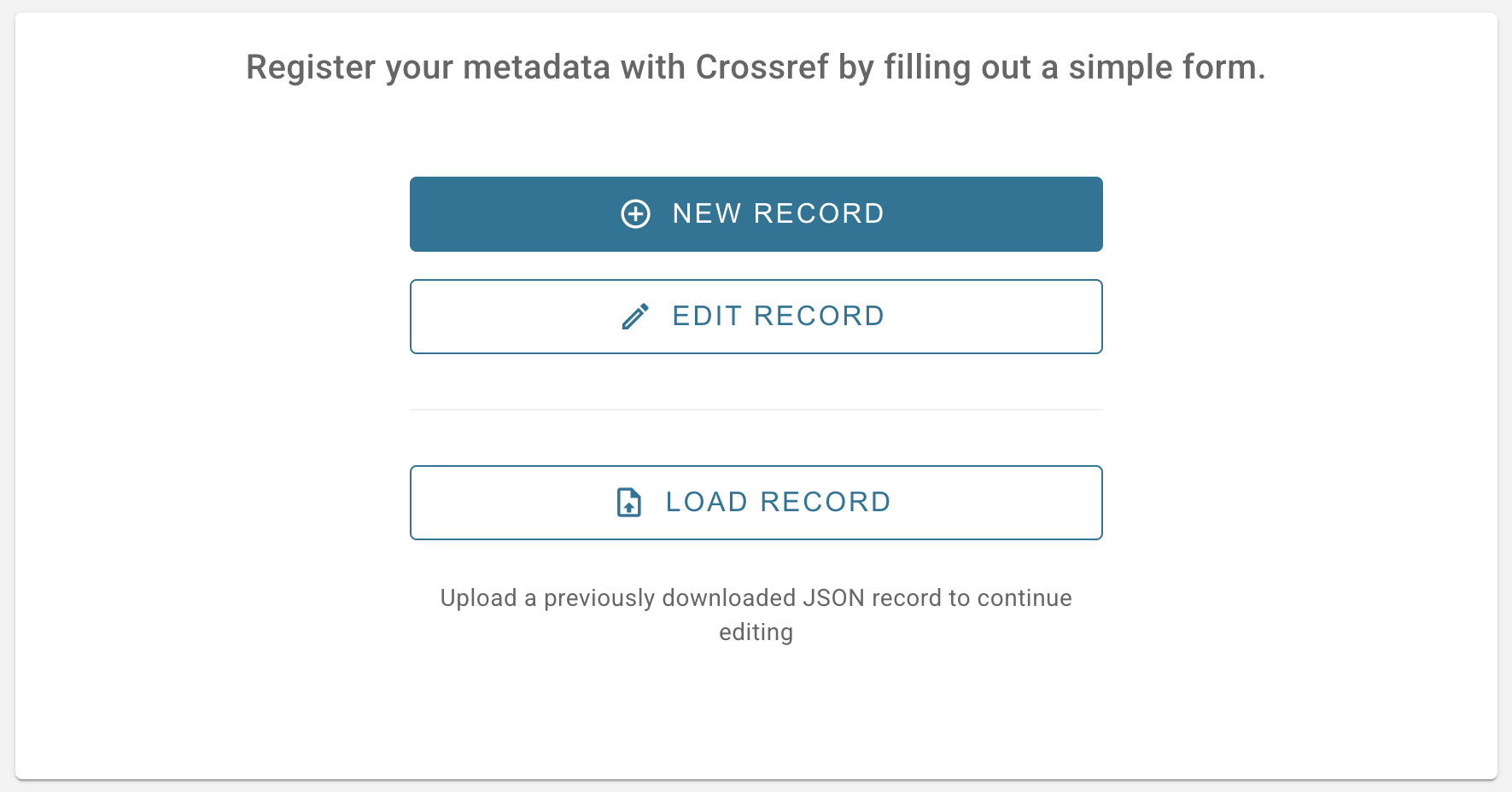
The new Metadata Manager tool (previously known as the record registration form) can be used to deposit metadata for your records. You do not need any knowledge of XML to use it. The tool currently supports registration of journal articles, books and chapters, reports/working papers, dissertations, grants, and post-publication updates (such as retraction notices) for journal content. We are planning to add support for additional record types in future.
Select the type of record you wish to create, then enter the metadata associated with your record in the corresponding fields. Some fields are required to be filled out in order to submit your record, while others are optional. You can find links to our documentation in the form for more information on what each field means.
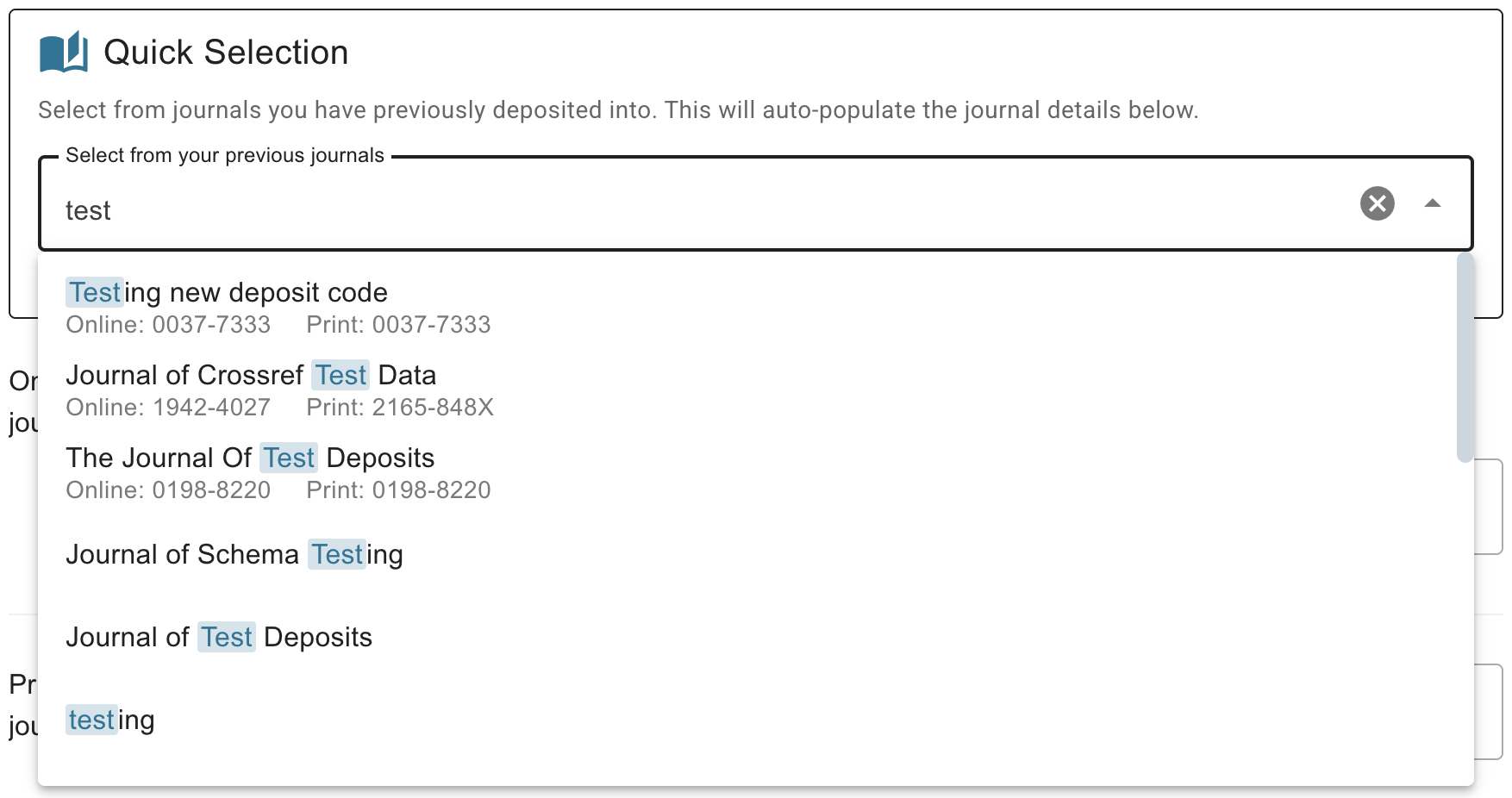
Journal article and post-publication update metadata also includes some information on the journal and, optionally, the issue and/or volume that the article was published in. To help avoid common errors with journal titles, you can auto-fill the journal metadata by choosing from a list of titles you have previously deposited into. You can search the list by title or by ISSN. Note that an ISSN is currently required to use the new Metadata Manager for registering journal content.
Submit your record
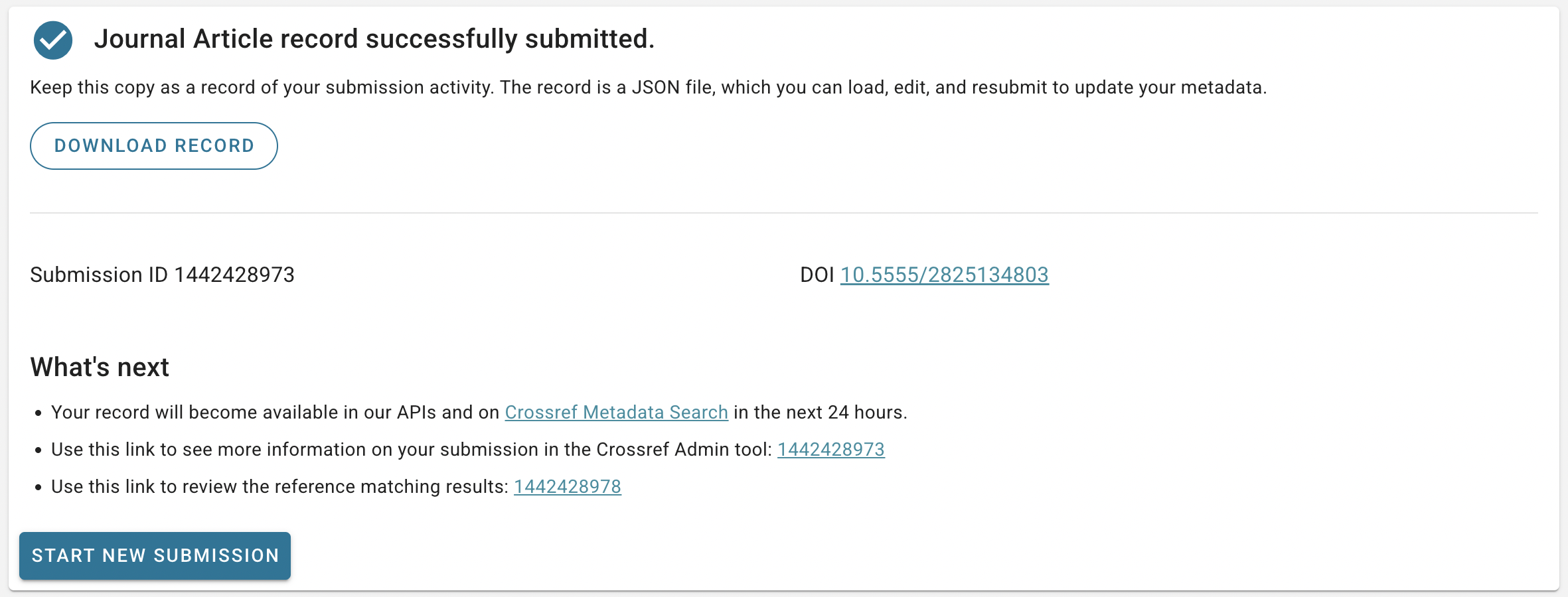
After filling out the required fields as well as any optional metadata you want to deposit, check that everything looks correct and then click Submit at the bottom of the form. The submission will be made immediately and a success message will appear on the screen.
From the success page, you can click through to more information about your submission in our Admin tool, or start another submission right away. If you have registered a journal article, you can choose to repeat the process for another article in the same journal and/or journal issue, which will pre-fill the form with the appropriate metadata so you don’t have to re-enter it.
If there is a problem with your submission, you will see an error message appear instead of the success page. Go to the documentation for tips on how to troubleshoot common errors from our deposit system.
Edit an existing record
Metadata can change over time, and Metadata Manager allows you to update your records to reflect this.
Choose Edit Record from the landing page or the sidebar navigation to see a list of the journal article and grant records you have previously registered using this tool, the web deposit form, or the deprecated legacy Metadata Manager.
You can search for any DOI, scroll through the list of previously registered records, or filter it by the date when the record was last updated. Find the record you are looking for and click Edit to access a form page with the record’s current metadata filled in. Simply make any changes and submit the record again to register the updated metadata. Note that post-publication update metadata can not currently be updated using this tool for technical reasons.
Page maintainer: Lena Stoll Last updated: 2026-August-12